
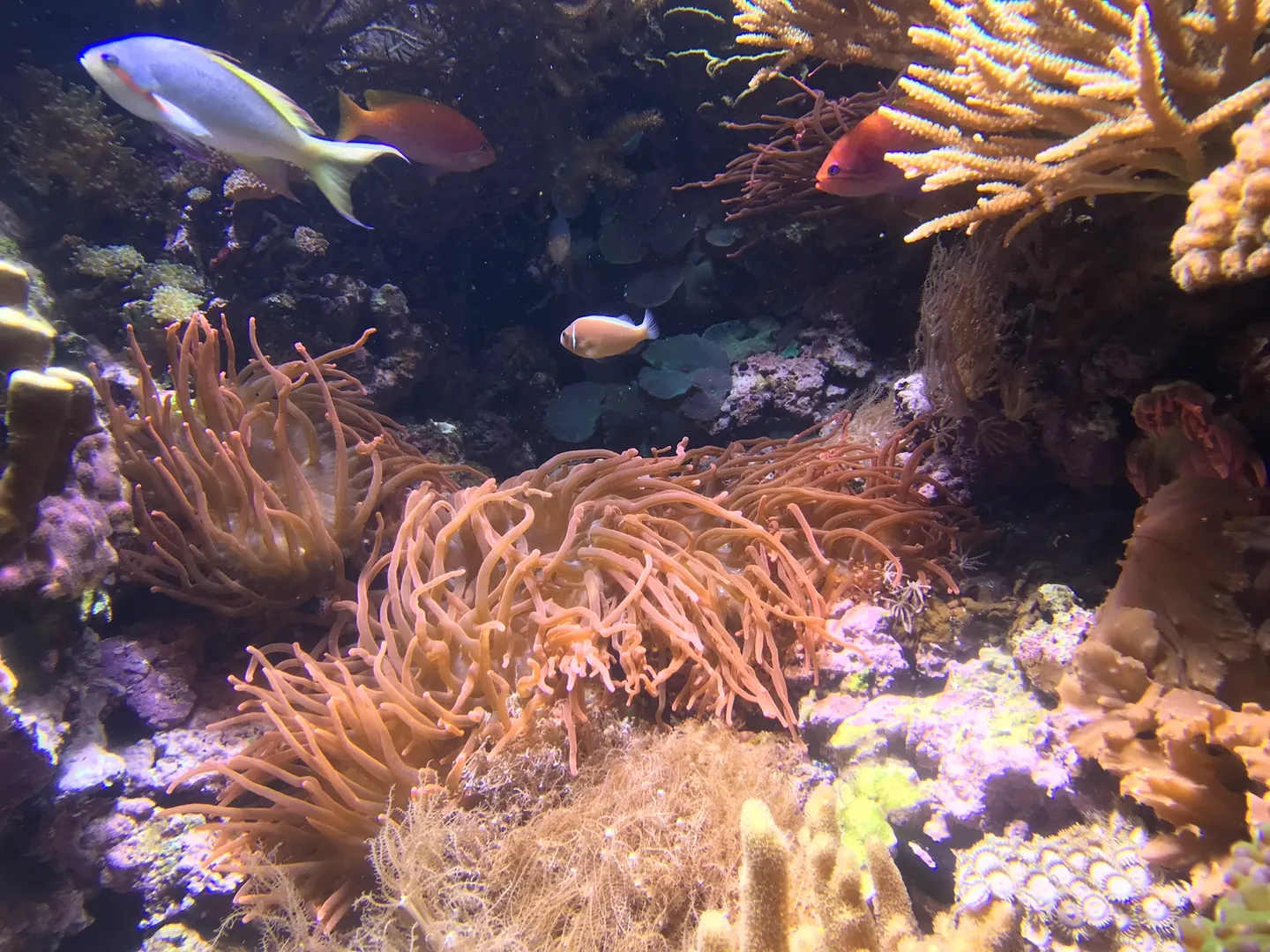
Short Answer
- Take normal-light, reduced-blue, side-angle, and close-up photos.
- Lower exposure if fluorescent tips are blown out.
- Include the growth edge, base, or skeleton whenever possible.
- For AI coral ID, multiple average photos often beat one dramatic blue macro.
The four-photo set
One photo rarely captures everything needed for coral ID. A practical set gives the viewer color context, structure, growth form, and close-up details.
For reef store photos, ask for the same set if the ID or price depends on the label.
Three useful shooting recipes
Instead of trying to take one perfect image, shoot for the decision you need to make.
- For genus ID: one full-colony photo, one side angle, and one close-up of polyps or corallites.
- For health review: one photo of tissue edge, one photo of the base or plug, and one photo after the coral has been open for at least 30 minutes.
- For store verification: one blue-light sales photo plus one reduced-blue photo that shows true tissue and skeleton detail.
Simple technical tips
- Tap focus on the coral, not the glass reflection.
- Clean the glass before shooting.
- Lower exposure by a small amount when fluorescent areas are blown out.
- Shoot perpendicular to the glass when possible to reduce distortion.
- Include one scale cue such as plug, branch, or nearby known coral.
Phone settings that usually matter most
- Tap and hold focus on the coral surface instead of letting the camera focus on glass scratches or bubbles.
- Lower exposure until fluorescent tips are not blown out.
- Use an orange filter or white-balance correction for blue tanks, but keep one unfiltered reference photo too.
- Clean the glass and shoot straight through it when possible to avoid distortion.
Photo quality for AI identification
AI models need the same evidence a human needs. If the image hides growth form or overexposes the tips, the output should stay broad.
The best workflow is to submit multiple photos from the same coral and compare whether the likely match stays consistent.
Try Coral Identifier on your own tank photos
Capture a clear photo, review likely matches, and build better coral ID confidence over time.


Sources
References and further reading
FAQ
Frequently asked questions
01What is the best photo for coral identification?+
The best photo set includes normal light, reduced-blue light, a side angle, and a close-up of polyps or skeleton details.
02Should I use blue light for coral ID photos?+
Use one normal blue display photo for context, but always add a reduced-blue or white-balanced photo for structure.
03Why are my coral photos too bright?+
Fluorescent tips can blow out phone exposure. Lower exposure slightly and retake the photo.
04Do AI coral ID apps need special photos?+
They need clear evidence: growth form, polyps, surface detail, and reduced-blue color. Multiple clear photos improve usefulness.
05Is a top-down photo enough for coral ID?+
A top-down photo helps with color and surface pattern, but it is usually not enough because it hides plate thickness, base structure, and growth form.