
Short Answer
- Reef ID lists photo identification across fish, corals, and invertebrates, alongside tank and livestock tools.
- Use Coral Identifier if your main job is scanning reef tank or store-frag coral photos and getting likely coral matches with confidence context.
- Neither app should be treated as proof of species-level certainty from one photo.
- For store frags, the safest workflow is a shortlist, better photos, and verification against visible coral structure.
Quick answer
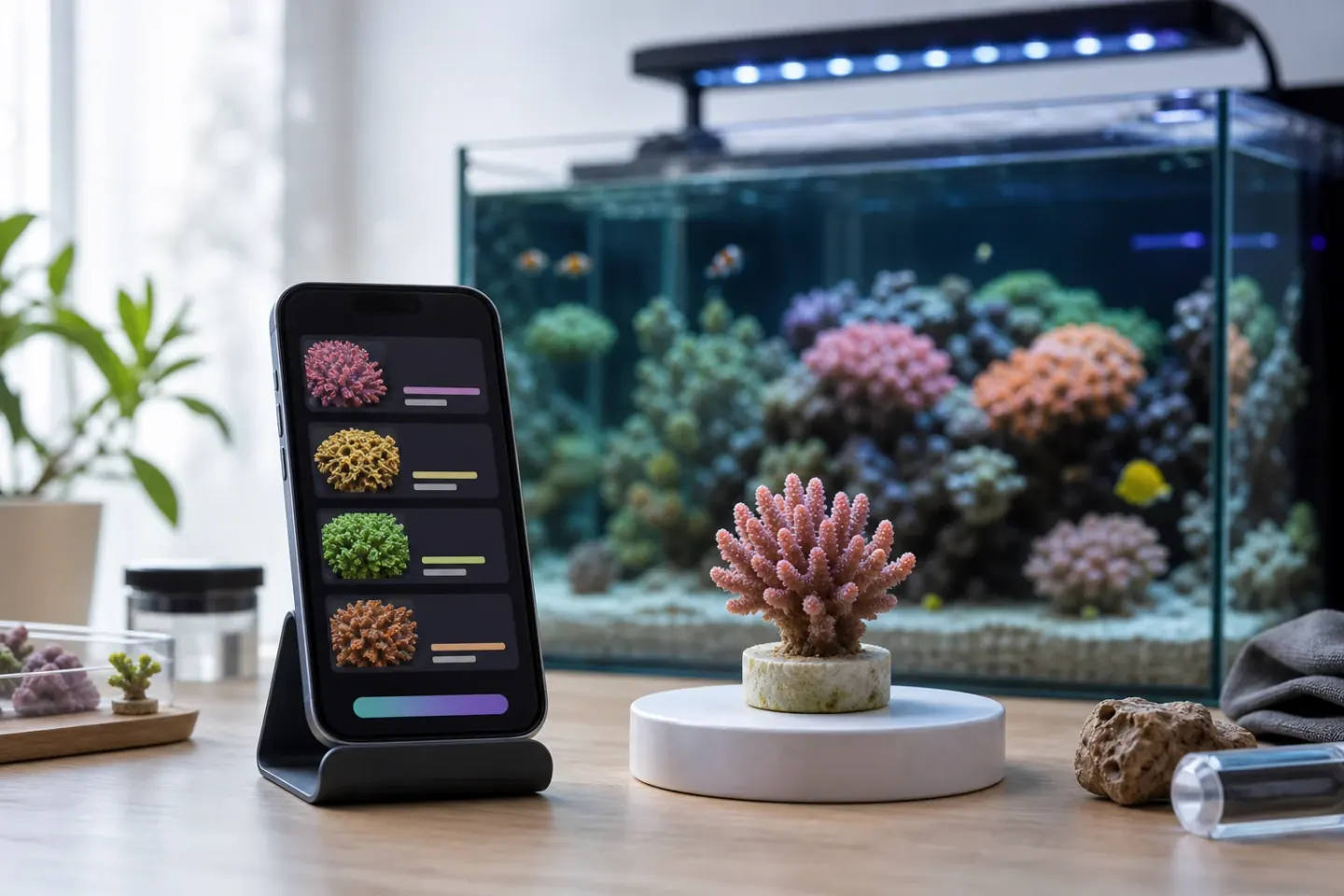
Both apps accept photos for identification. Reef ID describes broader organism coverage and tank tools; Coral Identifier focuses on coral photos, likely matches, confidence context, and saved scan history.
Choose by the workflow you need and compare results on corals you already know. Feature lists alone do not establish which app identifies a particular coral more accurately.
Use Reef ID if...
- You want one app that lists photo identification for fish, corals, and invertebrates.
- Your goal is learning fish, invertebrates, and corals together.
- You want tank profiles, water-test records, or livestock inventory alongside identification, as described in its listing.
- You have checked which features require Reef ID Pro before choosing a plan.
Use Coral Identifier if...
- You have a reef tank or store-frag photo and need a practical coral shortlist.
- You want confidence context instead of one overconfident species name.
- You care about aquarium context such as lighting, flow, placement, and coral group.
- You want to compare likely matches while keeping uncertainty visible.
Feature comparison
| Category | Reef ID | Coral Identifier | Best fit |
|---|---|---|---|
| Primary job | Photo identification across fish, corals, and invertebrates, plus tank tools, according to its developer. | Coral photo identification workflow for reef tank images. | Choose the organism coverage and supporting tools you need. |
| Reef tank coral photos | The listing explicitly includes coral identification from camera or gallery photos. | Built around coral photos, likely matches, and aquarium context. | Compare both on known corals; accuracy was not benchmarked here. |
| Uncertainty handling | The listing describes a best match and other likely candidates. | Designed around shortlist-style results and confidence context. | The tool that is more transparent on weak photos. |
| Care context | The listing describes care details such as temperature, pH, temperament, and tank size. | Keeps coral ID connected to broad care context and cautious verification. | Verify any care advice against the coral and tank conditions. |
| Platforms and access | The checked App Store listing supports iPhone and iPad. Free download with paid Pro features; Android availability was not verified. | iOS and Android, with limited free scans and paid subscriptions for higher usage. Check in-app pricing and trial eligibility. | Check your device and the current plan before downloading. |
| Best user | Reef keeper seeking photo ID across multiple organism groups and tank tools. | Reef keeper identifying unknown corals or store frags. | Depends on the immediate workflow. |
Where Reef ID offers broader scope
Reef ID lists tank profiles, water tests, water-change records, and livestock inventory alongside photo identification. This broader scope may suit someone looking for several reef tasks in one app.
Its developer also lists Dive Mode and educational features. These are listing claims, not features independently tested for this comparison; check current availability and paid access before relying on them.
Where Coral Identifier focuses
Coral Identifier focuses on aquarium coral photos from the camera or gallery, with likely identification, confidence context, similar-looking corals, care context, and saved scan history.
The goal is not to turn every image into a guaranteed species name. The goal is to narrow the field, show likely matches, connect the result to care context, and make uncertainty visible enough that you can verify before acting.
Accuracy and uncertainty
- A clear coral photo can support a useful shortlist, but one image often cannot prove a species.
- Blue lighting, fluorescence, retracted polyps, and immature frags can all mislead both humans and apps.
- Prefer an app that says when evidence is weak over one that always gives a confident answer.
- For care decisions, use the safest broad label until multiple traits line up.
Best workflow for store frags
- Take one photo under the store lighting and one with blues reduced if possible.
- Capture the base, branch, wall, or colony edge, not only the brightest top-down view.
- Run the photo for likely matches, then compare visible structure against the candidates.
- Ask the store what group, genus, or care level they believe it is, and keep that as supporting evidence rather than final proof.
- Use conservative care settings until the coral settles and growth traits become easier to read.
Try Coral Identifier on your own tank photos
Capture a clear photo, review likely matches, and build better coral ID confidence over time.


Sources
References and further reading
FAQ
Frequently asked questions
01Is Reef ID better than Coral Identifier?+
Both offer coral photo identification. Reef ID lists broader organism coverage and tank tools; Coral Identifier focuses on coral scans, confidence context, and history. This comparison does not establish an accuracy winner.
02Can Reef ID identify coral from a reef tank photo?+
Yes, its developer listing explicitly describes identifying corals from camera or gallery photos. Check any suggested match against growth form, polyp shape, skeleton clues, and additional photos.
03Which app should I use for store frags?+
Use the app that gives useful likely matches and admits uncertainty on weak photos. For store frags, Coral Identifier is built around the coral-photo workflow, but you should still verify before changing care decisions.
04Can one app guarantee a species-level coral ID?+
No. A single coral photo is often not enough for guaranteed species-level certainty, especially under blue lighting or when the coral is a small frag.